Document management
Documentation · Documents and signature
The quality document system: library, ready-to-use templates (procedures, HACCP plans, forms), versions, drafts and distribution.
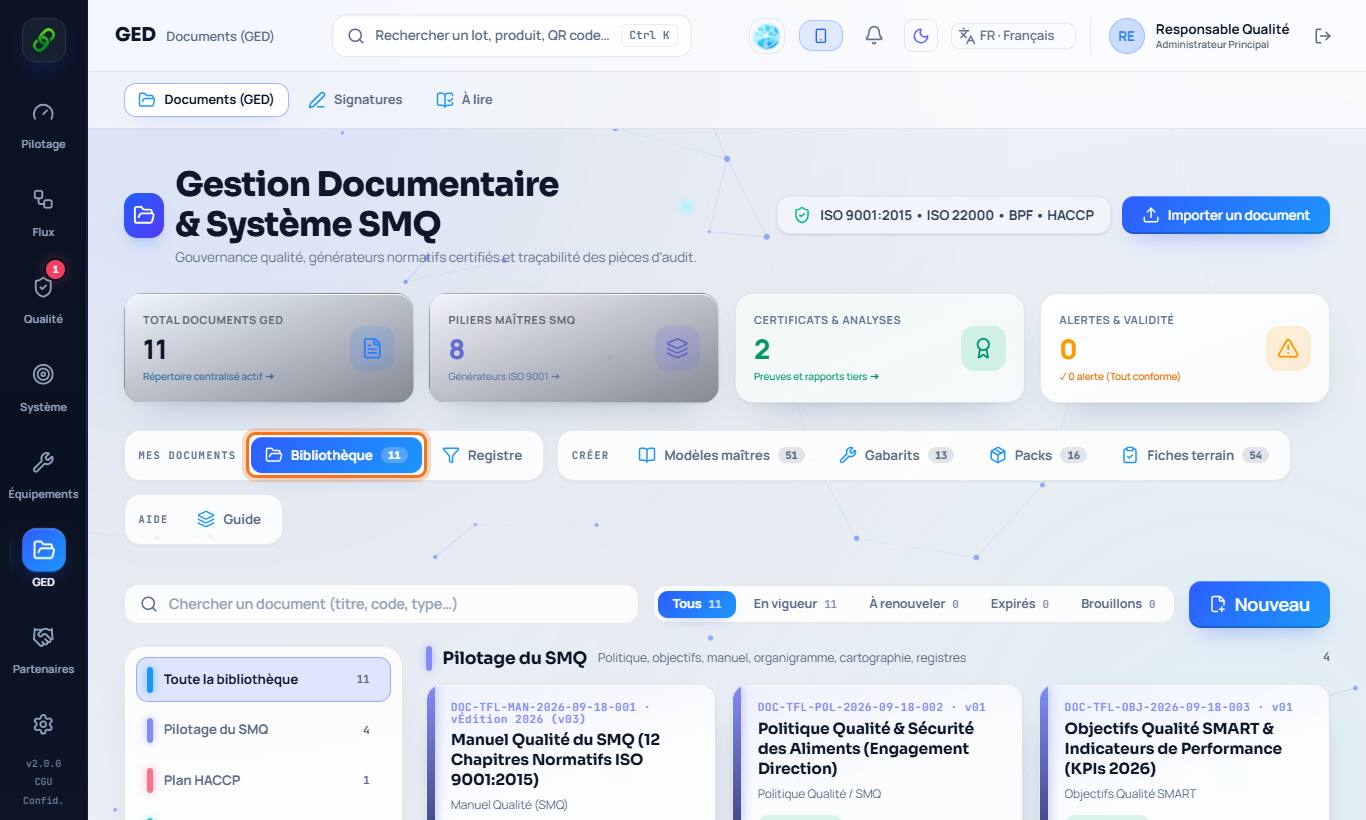
1. The library
Documents › Documents: every company document, classified (QMS management, HACCP plan, prerequisite programmes…), with its status: in force, due for renewal, draft.
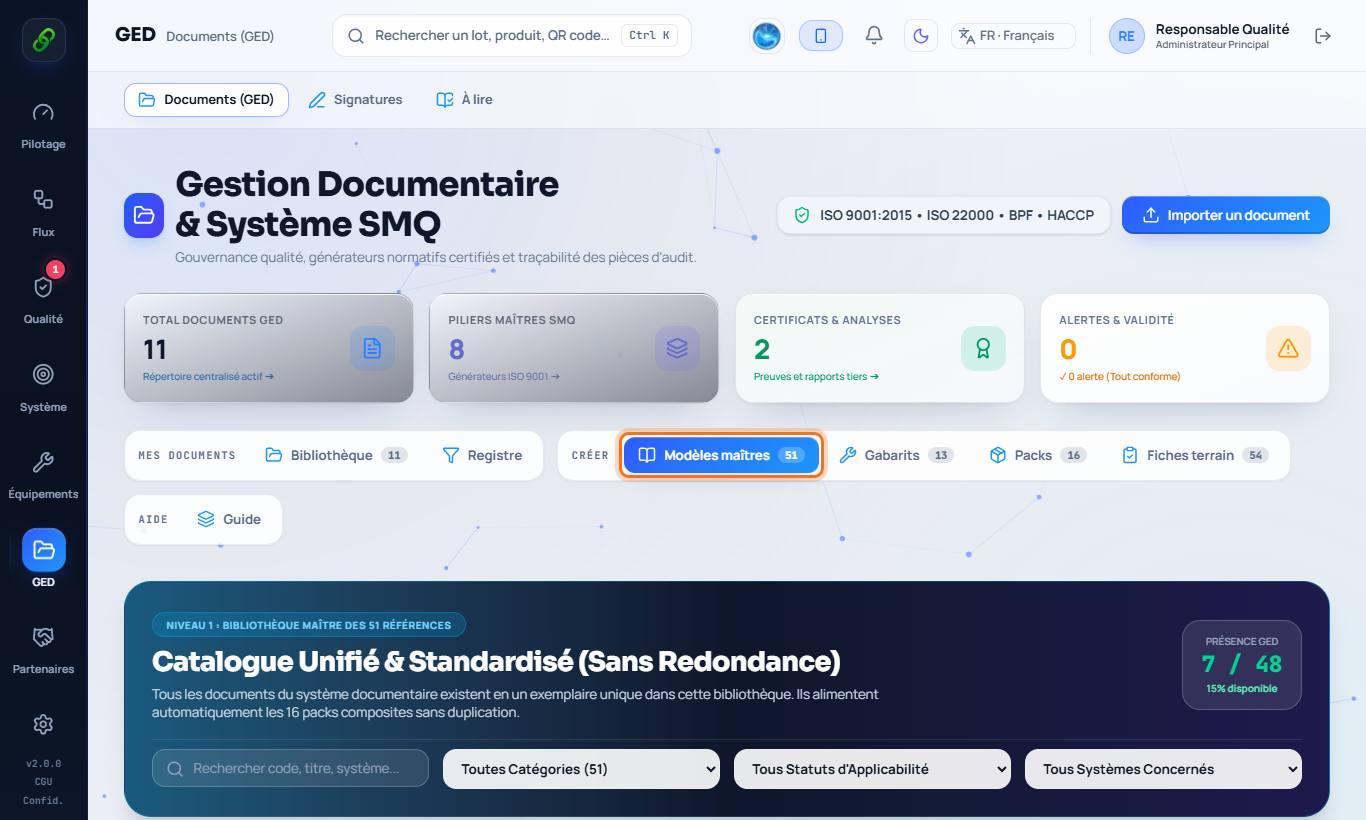
2. Start from a template
The Master templates tab offers more than 50 documents ready to adapt (quality manual, procedures, HACCP plan, records). Among them are the two policies required by the standards: the Quality policy (DOC-001, ISO 9001 §5.2) and the Food safety policy (DOC-015, ISO 22000 §5.2), offered by sector, which specify their internal and external communication. Field forms are the records to fill in.
3. Write, save as draft, validate
A document can be saved as a draft (without creating a version), then validated. Each validation creates a version (v01, v02…) with the revision history. Approval is done with the electronic signature.
4. Standard diagrams
Four documents are drawn automatically, on screen as in print (what you see is what will be printed): the process map (ISO 9001 and ISO 22000 §4.4: interested parties' requirements on the left, management processes, chain of operational processes, support processes, satisfaction on the right, with process sheets in force or to be written); the organisation chart (hierarchy based on each position's manager, one colour per department, vacant positions and batch-blocking authority flagged, display by position, by name or both); the flow diagram (Codex Alimentarius steps 4 and 5, ISO 22000 §8.5.1.5: one symbol per type of step, numbered CCPs, inputs on the left, outputs and waste on the right, on-site confirmation box); the flowchart of each procedure, built from its steps (who, what, points of attention, records). A4 formats suited to display in the factory.
5. Distribute and have it read
From a document, distribution designates the roles or people who must read it; each of them finds it in Documents › To read and confirms "read and understood" for each new version.
6. Print or download
For an imported document: choose the document itself or its record sheet (metadata). PDFs carry the company header.