Trace a batch (backward and forward)
Documentation · Operations: from dock to customer
Find the whole history of a batch in seconds from any code: source materials and suppliers, processing, delivered customers.
1. Open the traceability report
Quality › Up/Down report.
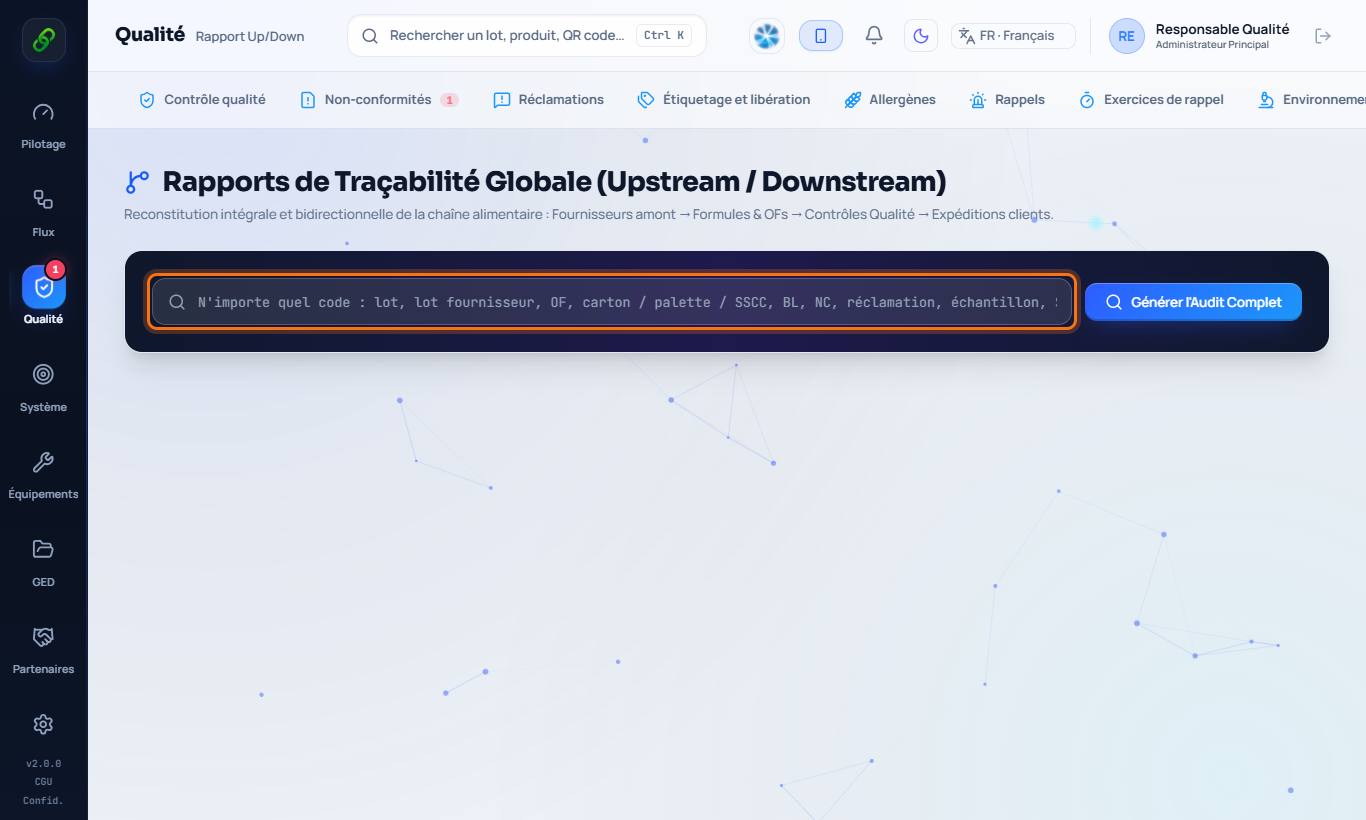
2. Enter any code
Batch number, MO, pallet (SSCC), delivery note, non-conformity or complaint, or the content of a scanned QR code. Click Generate full audit.
3. Read the report
Backward: source materials, batches and suppliers, over several levels. Forward: manufacturing orders, batches produced, co-products, shipments and customers. The report exports to PDF for ISO 22000 / HACCP audits.
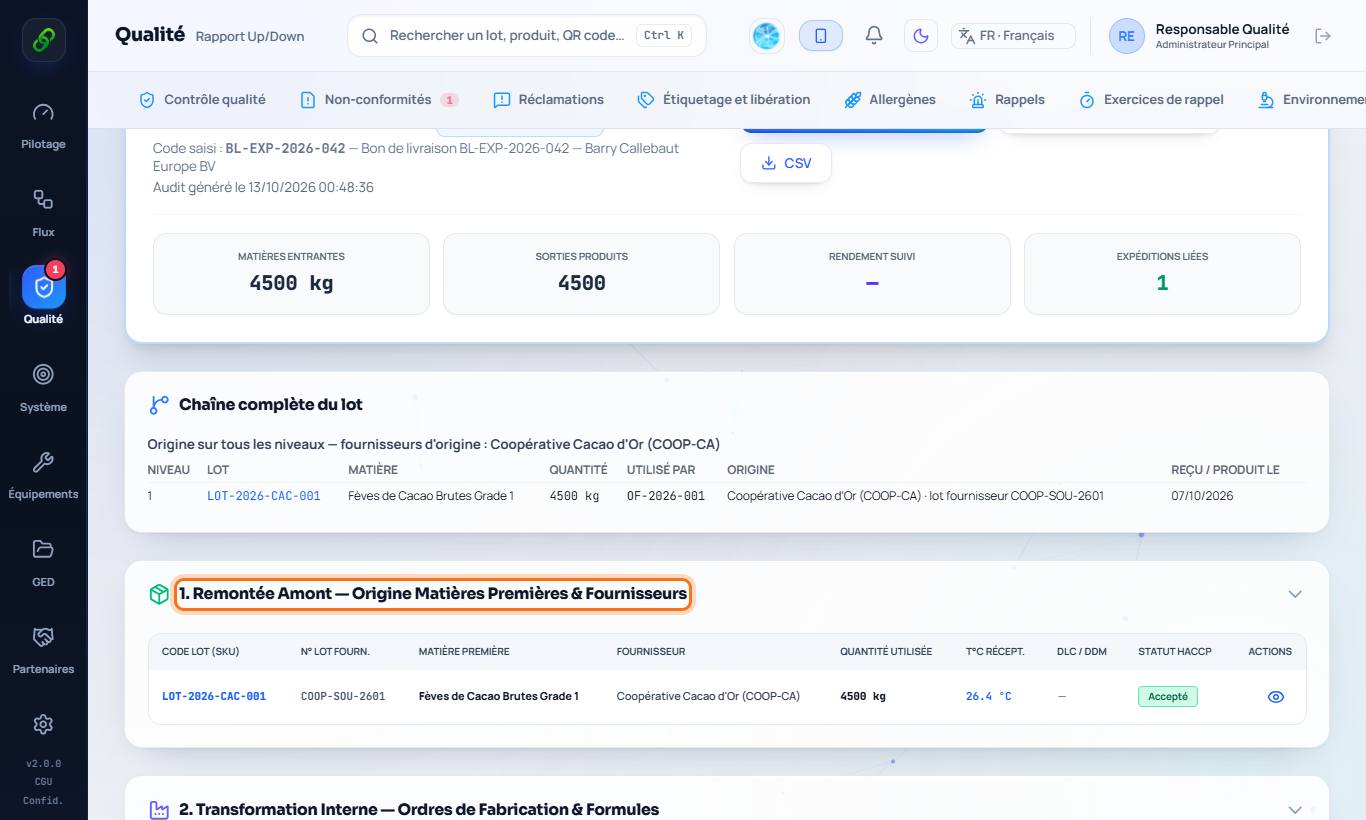
4. The complete batch file
The report also contains the batch file: hour-by-hour timeline, manufacturing details, CCP records, analyses and instruments used, labelling and release, suppliers and customers, related documents. It exports to PDF, Excel, CSV or JSON.
5. Correct batches after an MO is closed
Production › open a closed manufacturing order › Correct consumed batches: replace an automatically chosen material batch with the one actually used. Stock and traceability are recalculated and the correction is written to the audit log.