Backup, sync and subscription
Documentation · Monitoring and tools
Back up your data, sync several workstations and phones, and manage your plan.
1. Backup
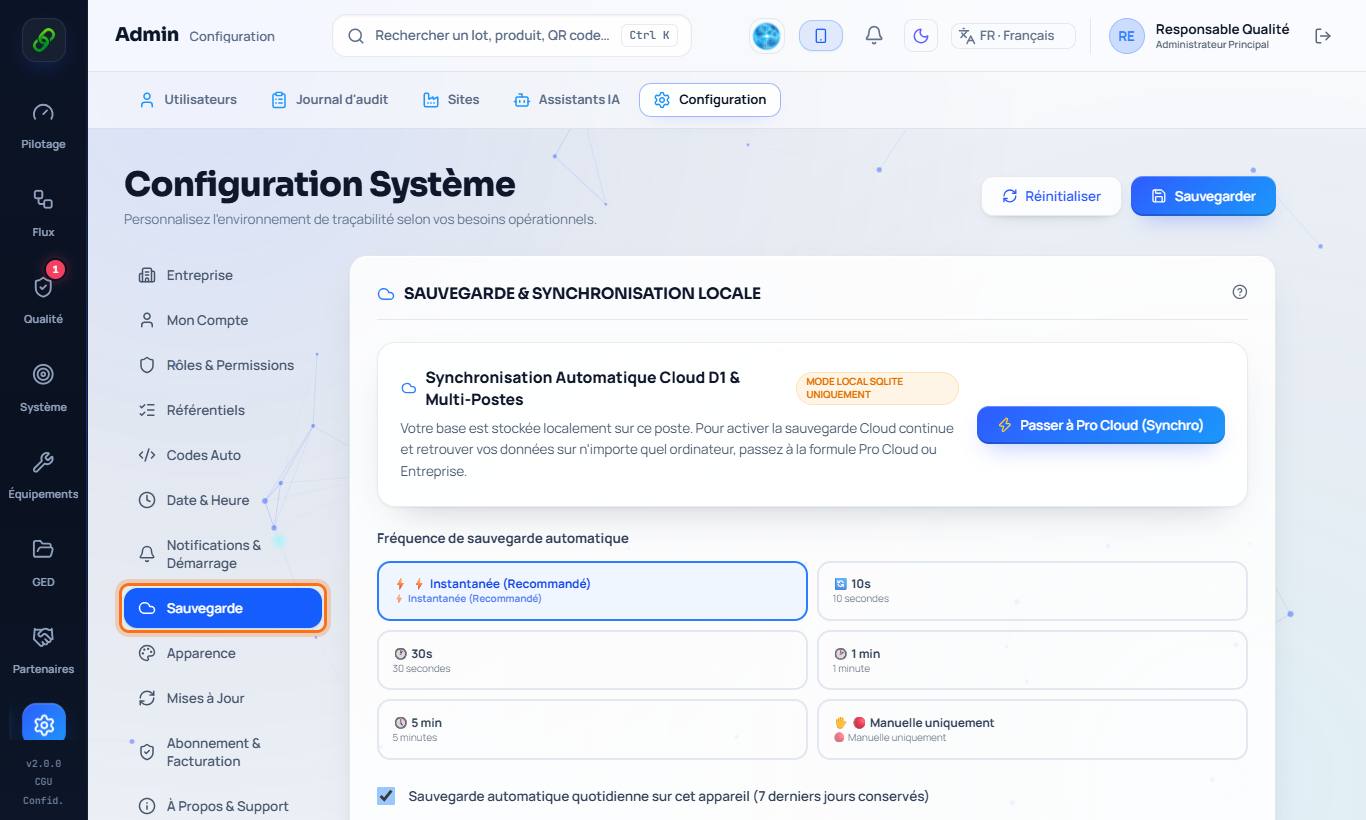
Settings › Backup: the software automatically keeps 7 backups; you can export a complete archive at any time and restore it.
2. Sync
Pro Cloud and Enterprise plans: automatic sync of every workstation and phone through the Cloud. Startup PME plan: sync over the factory's local network (the main computer acts as relay).
3. Lossless sync and recycle bin
A record is never erased because it is missing on another workstation: only a deliberate deletion is propagated. If two people edit the same record at the same time, the first one saved is kept and the other person is notified. Deleted data goes to the recycle bin: Settings › Backup › Deleted data (90 days), with one-click Restore (the company's online recycle bin is reserved to administrators).
4. Subscription
Settings › Subscription & Billing: your plan, its renewal date and payment (bank card or Mobile Money).