Product recall and mock recall
Documentation · Operations: from dock to customer
Measure the impact of a suspect batch, declare a recall, notify customers, and practise with a timed mock recall.
1. Analyse a suspect batch
Quality › Recalls: enter the batch code and click Analyse: customers and shipments concerned, derived batches, quantities still in stock.
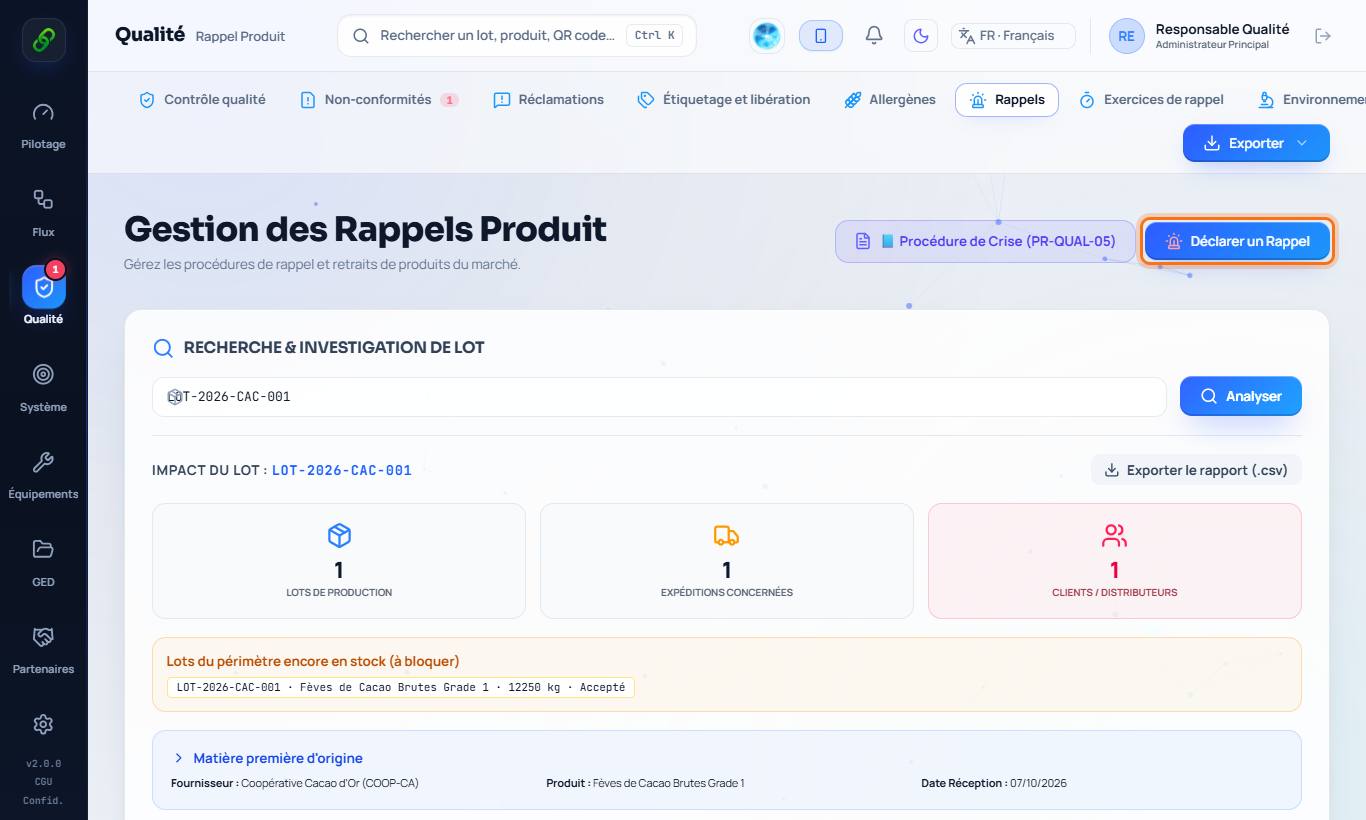
2. Declare the recall
Declare a recall: reason, severity, instructions and contacts. The recall is published: a consumer who scans the product's QR code sees the alert on the Verify a batch page.
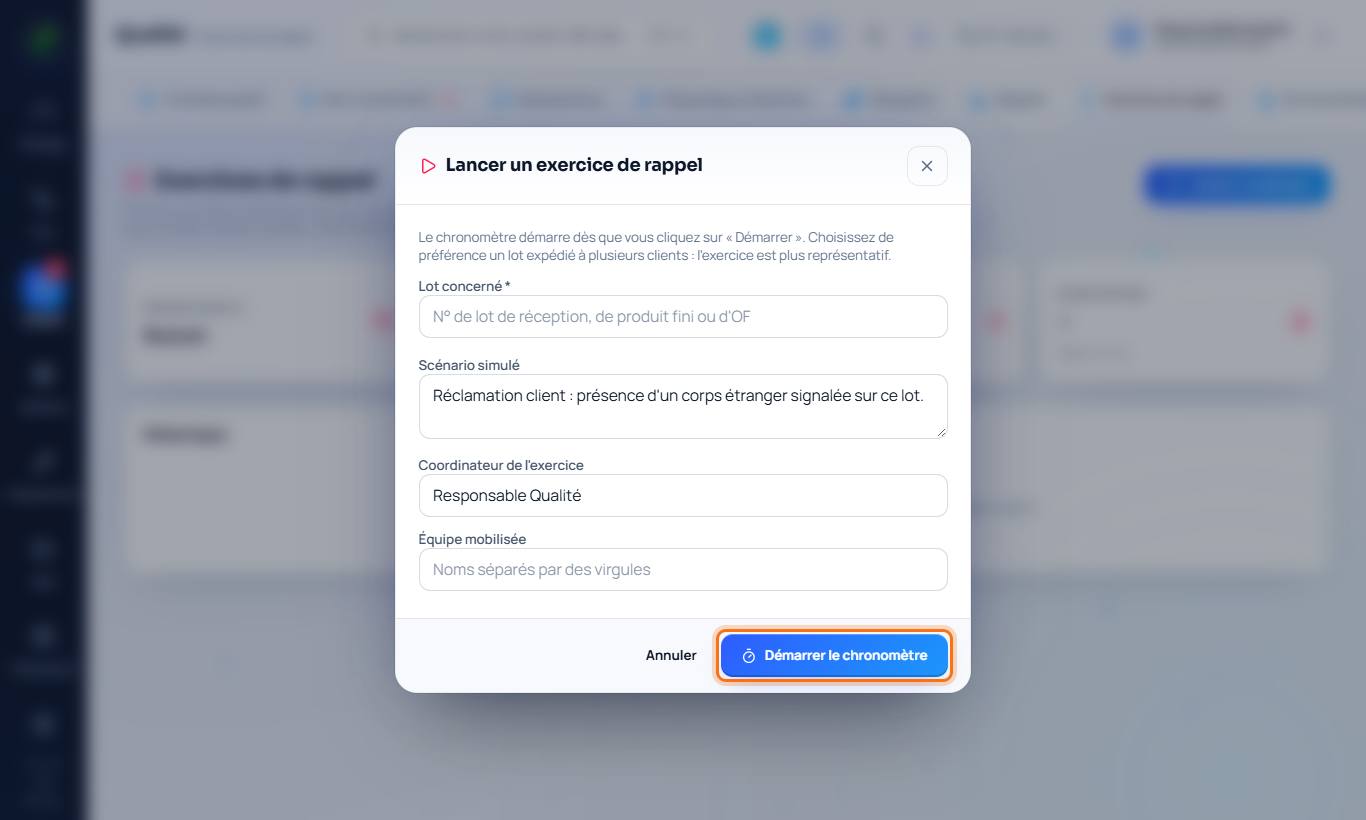
3. Practise: the mock recall
Quality › Mock recalls › Start an exercise: choose a batch and a scenario, then Start the timer. The software measures the time needed to find the backward and forward chain and produces the exercise report auditors ask for.