Manufacturing orders (production)
Documentation · Operations: from dock to customer
Launch a manufacturing order from a recipe, choose the batches (FIFO), close it with the product obtained, co-products, by-products and waste.
1. Open production
Flows › Production: manufacturing orders (MO) in progress, planned and completed.
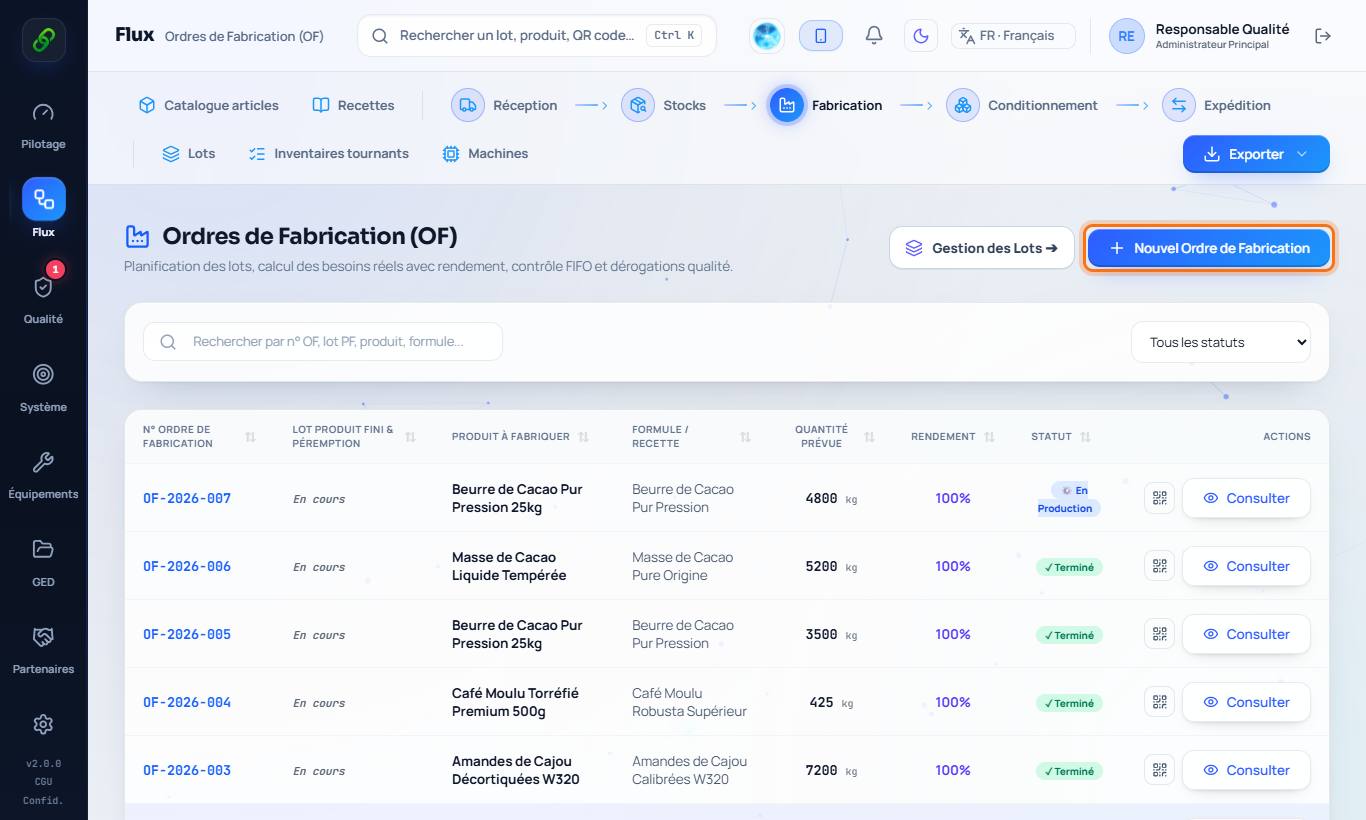
2. Launch an MO
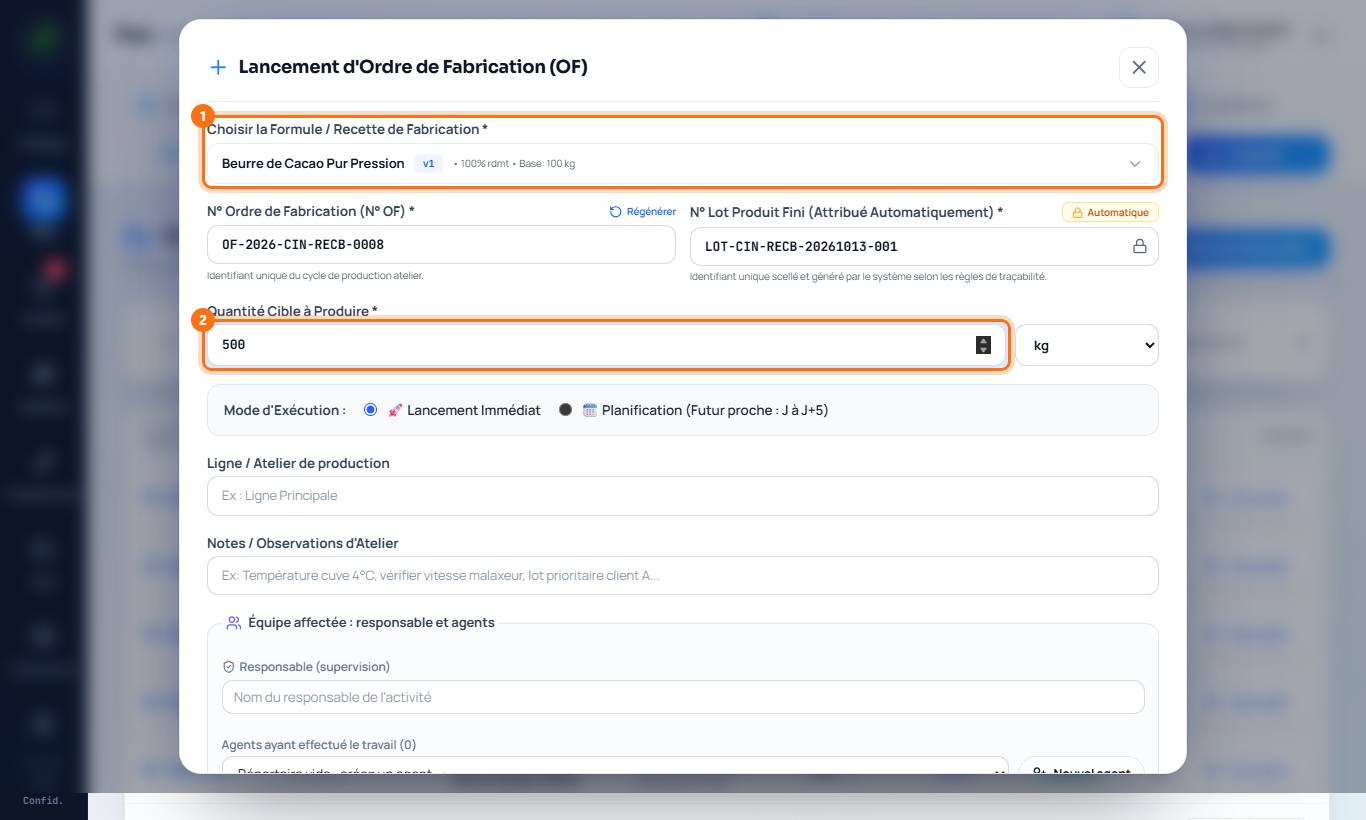
New manufacturing order: choose the recipe and the quantity to produce. The MO number and the finished product batch number are assigned automatically. Choose an immediate start or a planned date, the line and the person in charge.
3. Choose the batches (FIFO)
The software suggests batches in first in, first out order and excludes blocked, expired or not yet matured batches. Choose batches lets you take others: a reason is then mandatory and the deviation is traced.
4. Follow up and close the MO
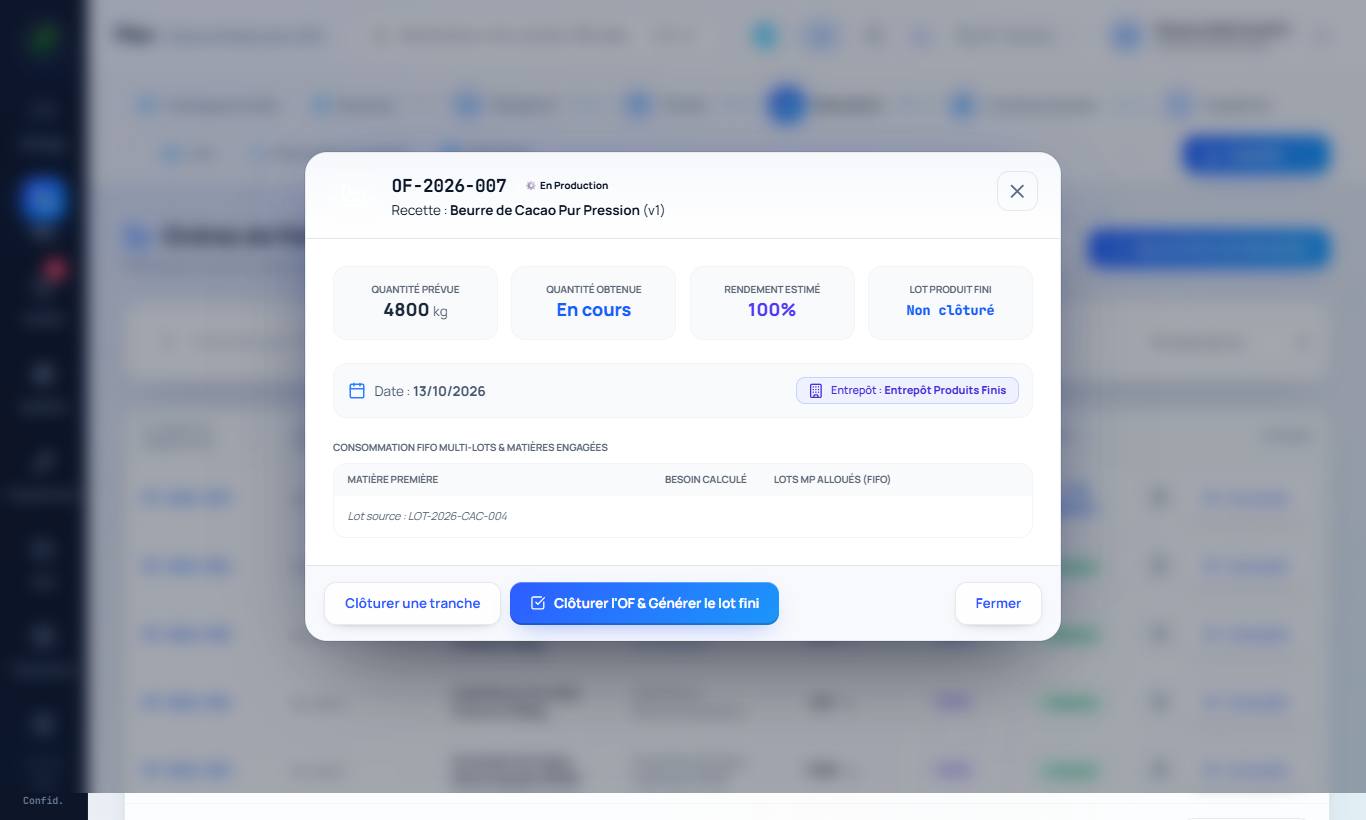
Open the MO with View. At closing, enter the quantity actually produced, the batches actually used, the co-products (e.g. broken rice, grades) and the by-products and waste (bran, shells, stones…). Each co-product and by-product put into stock gets its own batch.
5. Yields
Monitoring › Yields compares the actual yield with the recipe and explains the losses.