Shipments and delivery notes
Documentation · Operations: from dock to customer
Ship a batch (bulk or packed) to a customer and generate the delivery note.
1. Open shipments
Flows › Shipments: outgoing batches, by customer and by delivery note.
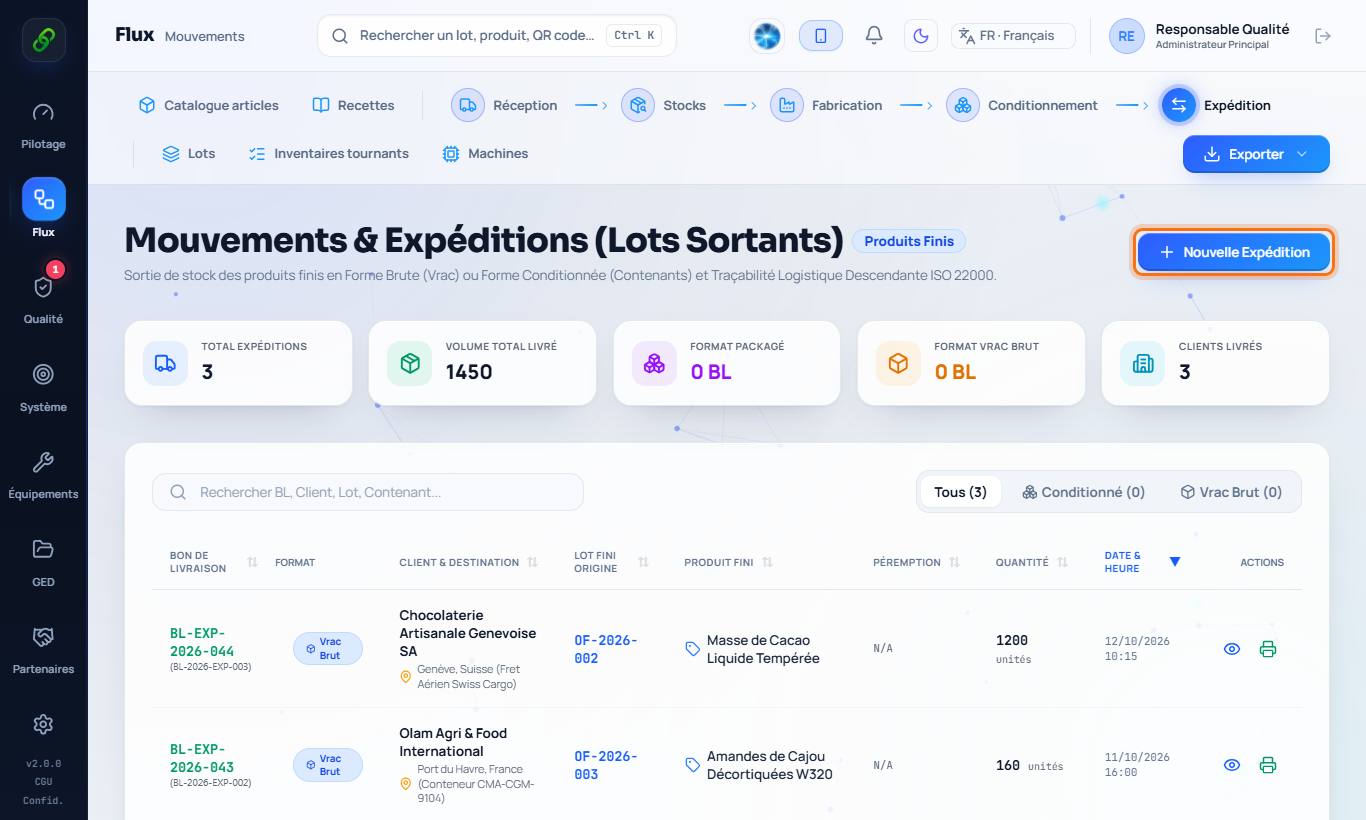
2. Create a shipment
New shipment: choose the customer (or type it), the batch to ship and the quantity (bulk) or the containers (cases, pallets). Enter the carrier, the vehicle and the temperature.
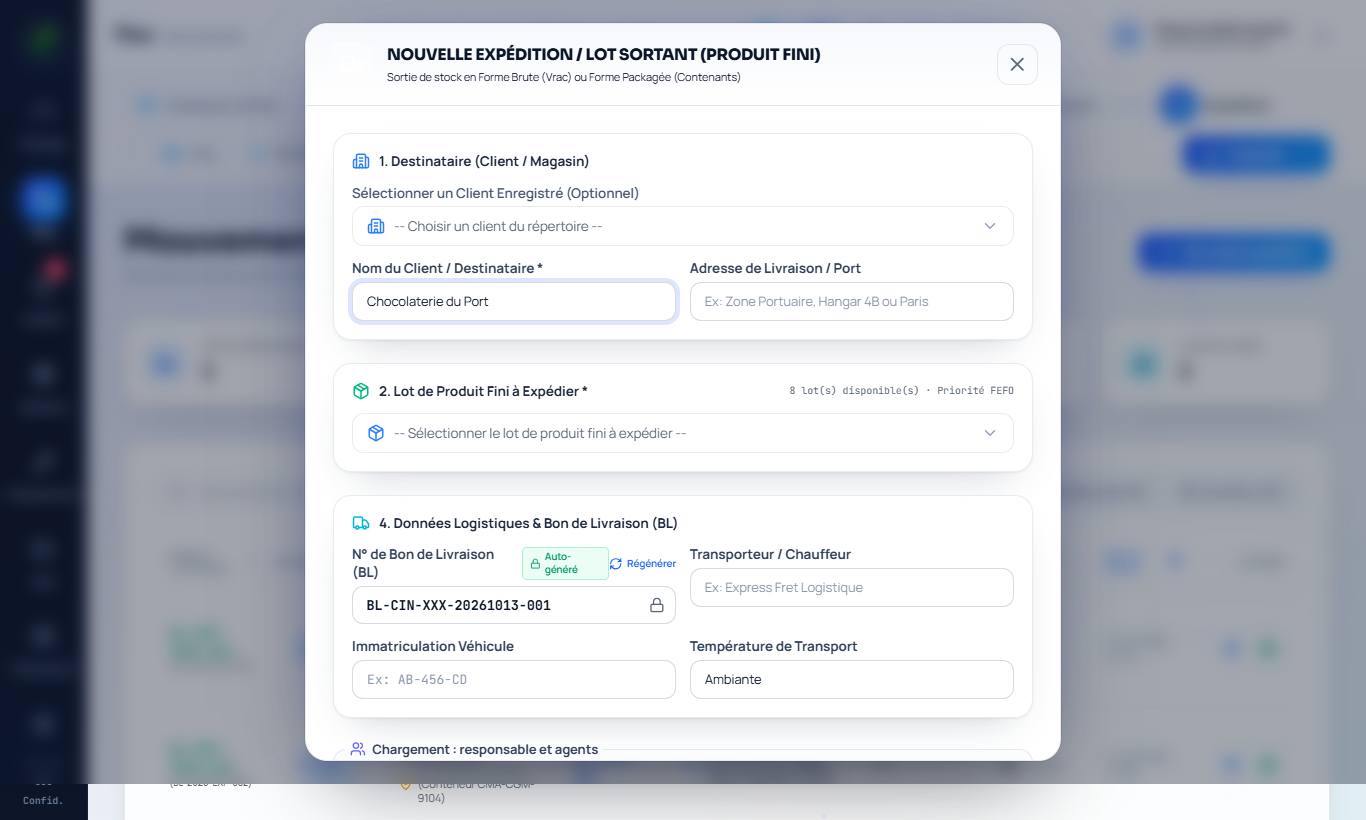
3. Validate
Validate & generate delivery note: the batch stock is reduced and the delivery note is ready to print. A blocked batch, a batch not released (positive release) or a downgraded batch is flagged; for a downgraded batch, the intended use is printed on the delivery note.