Quality control and analyses
Documentation · Operations: from dock to customer
Analyse a batch (moisture, purity, aflatoxins, microbiology, analyses specific to your sector) and decide: accepted, quarantine or rejected.
1. Open quality control
Quality › Quality control: the analyses performed and their decision.
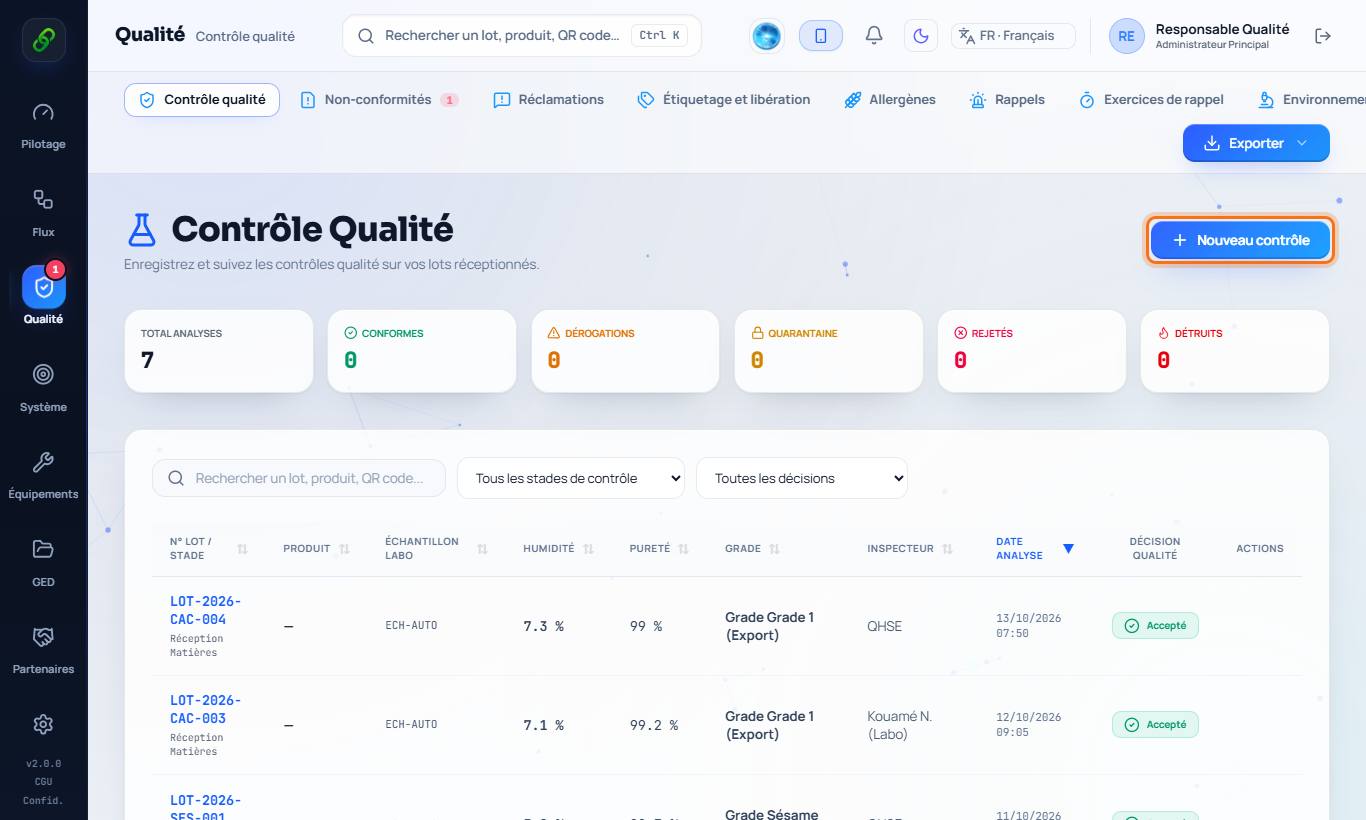
2. Enter an analysis
New check: choose the stage (material, in-process, finished product) and the batch to analyse, then enter the measurements. Specialised analyses for your sector (for example mouldy beans, ochratoxin A for cocoa) are added in one click.
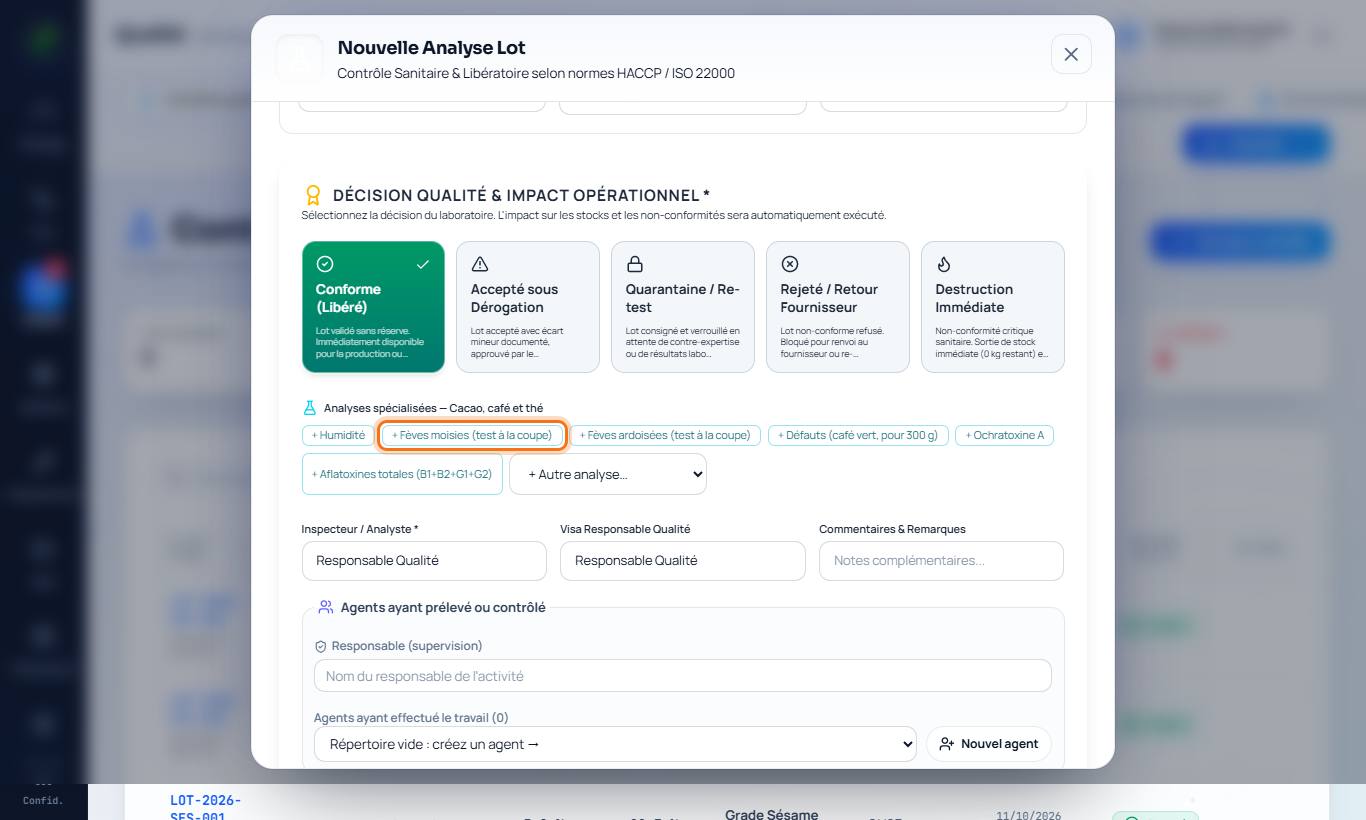
3. Decide
Depending on the results: accepted, quarantine (batch blocked pending decision) or rejected / destruction. When a limit is exceeded, the software offers to open a non-conformity.