Mobile app (Android)
Documentation · Monitoring and tools
Enter data at the dock and on the shop floor from a phone, even without network: receptions, checks, production, re-weighing, stock counts, signatures.
1. Install and sign in
Download the APK from Download and sign in with your account. On the Startup PME plan, pair the phone with the factory computer by scanning the QR code shown on the computer (same Wi-Fi network); on Cloud plans, it syncs over the Internet.
2. The field menu
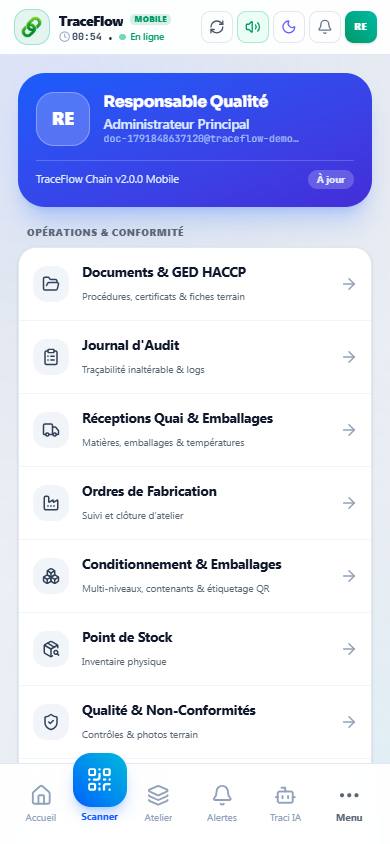
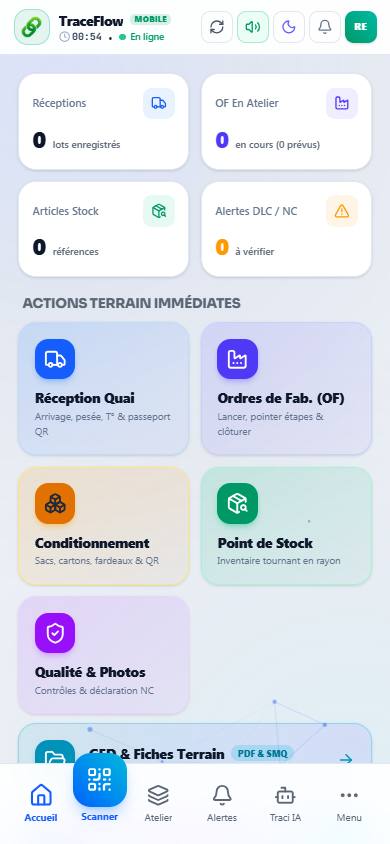
The menu groups the field entries: receptions, checks, production, packaging, shipments, scanner, and the Quality system and signatures group (re-weighing, stock count, allergens, security rounds, documents to read, signatures…).